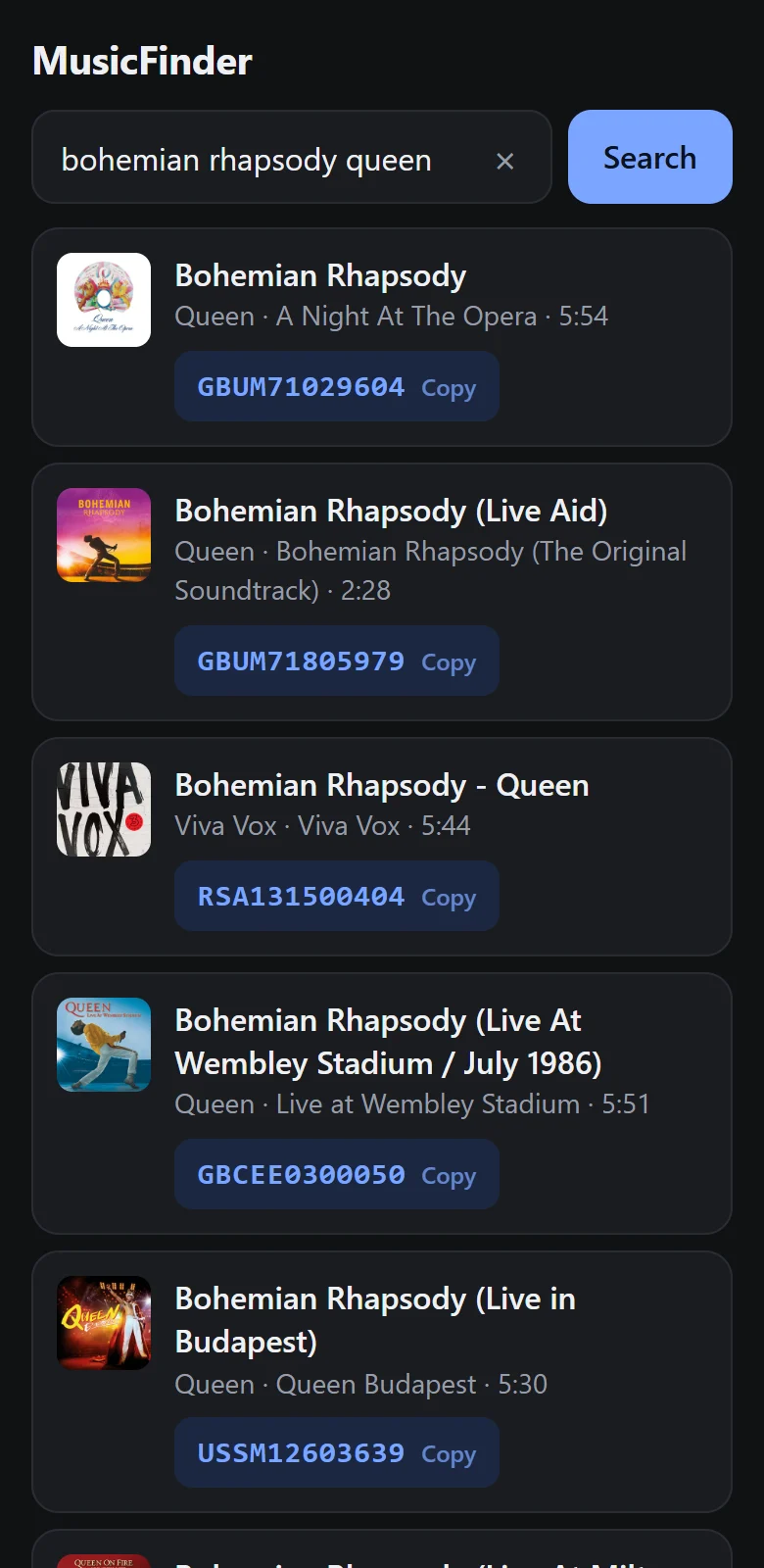
MusicFinder
Download MusicFinder for Android
The free ISRC finder, straight from this site. No account needed.
| Version | 1.0 |
|---|---|
| Works on | Android 8.0 and newer |
| Size | 1.9 MB |
| SHA-256 | 0b8c7289d0de261bba57c3b2eef9ce3b5373a71773b5461f450cc141c633f425 |
| Price | Free, with ads. Remove ads with one payment. |
How to install the APK
- Tap the download button above on your Android phone and wait for the file to finish.
- Open MusicFinder.apk from the notification or your Downloads folder.
- The first time, Android says your browser is not allowed to install apps. Tap Settings, switch on Allow from this source, then go back.
- Tap Install, then Open.
Why Android shows a warning
Android shows the same notice for every app installed from outside an app store. MusicFinder asks for one permission only: internet access, which it needs to search. You can check your download against the SHA-256 value above to make sure the file was not changed on the way.
Updating
When a new version is out, download it here and install it over the old one. Your settings and any remove-ads code stay in place.
Removing the app
Press and hold the MusicFinder icon and choose Uninstall, like any other app.