 MusicFinder
Free ISRC finder for Android
Find the ISRC of any song
Type a song name, get its ISRC code. MusicFinder is an ISRC-based music discovery tool that finds the exact recording you mean, not just something with the same title.
Download for AndroidTry it here
- Free
- No account
- Android 8.0+
- 1.9 MB
How it works
From a song name to the exact recording
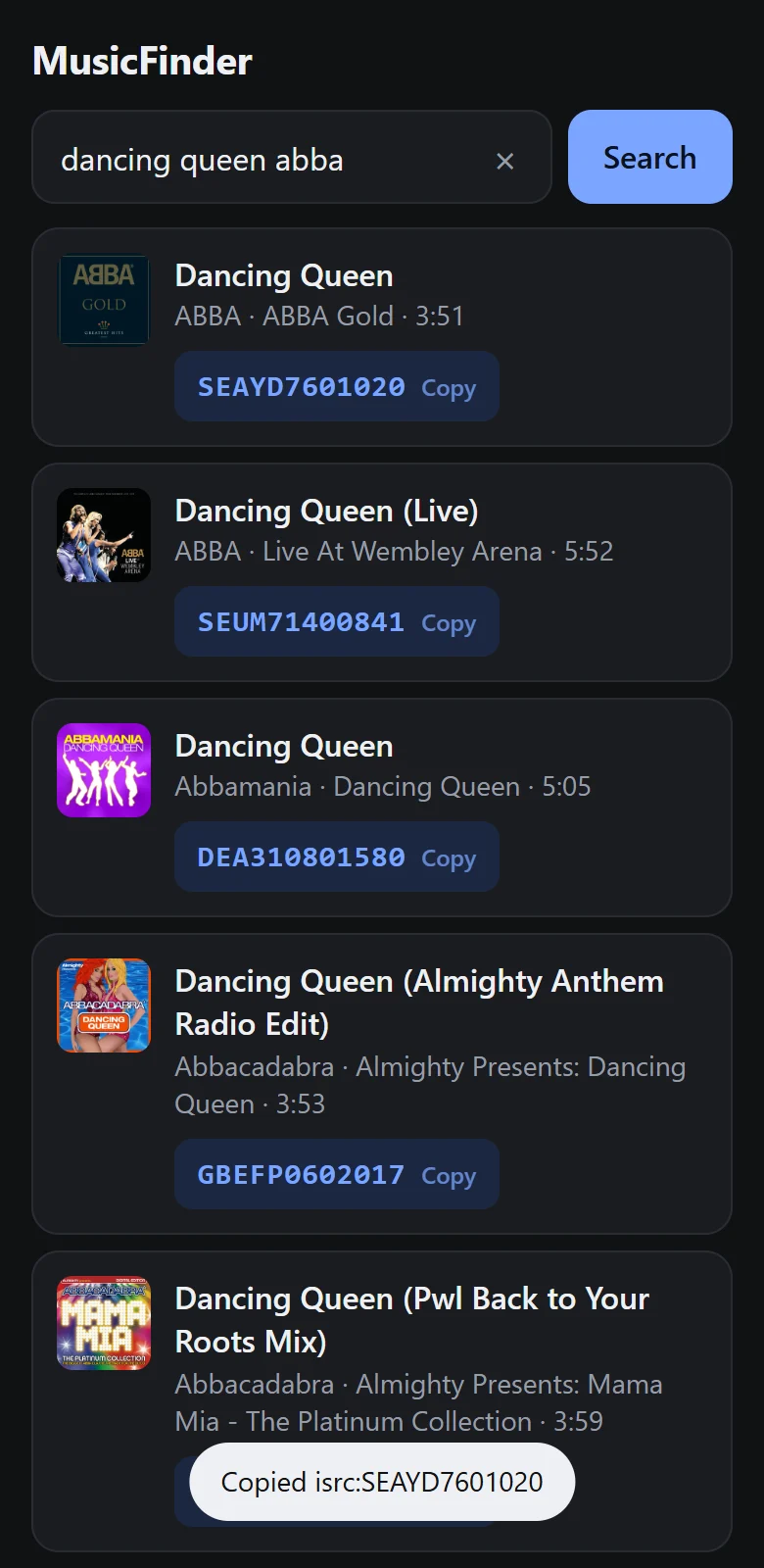
Type the song
Enter the title. Add the artist if it is a common name.
Pick the version
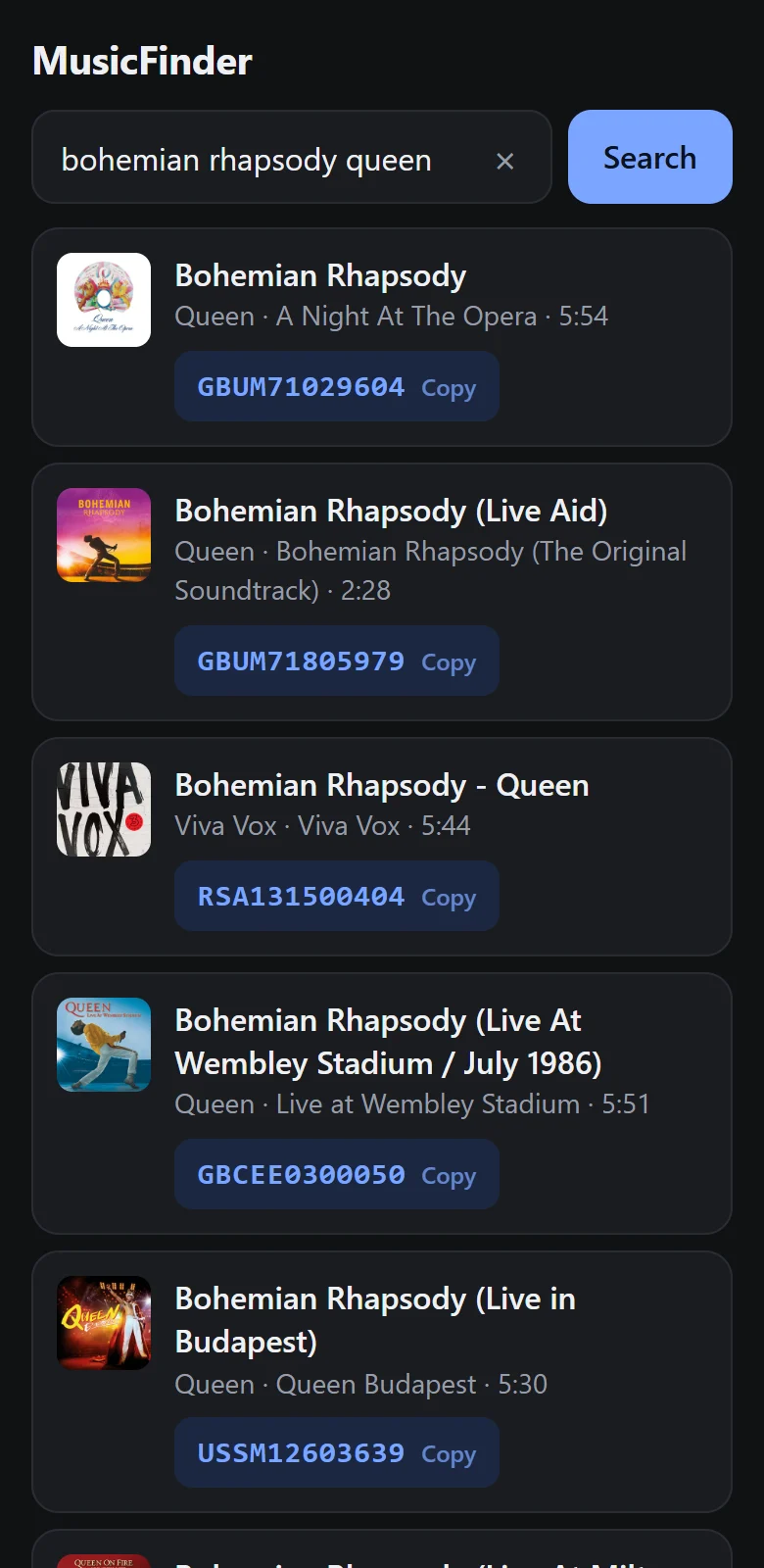
Original, live, remix or remaster: each is listed with its album, length and its own ISRC.
Tap to copy
The code is on your clipboard as
isrc:CODE, ready to paste into a music search that accepts ISRCs.
Try it
Search right here
This shows the top 5 matches. The app shows every result, looks recordings up from an ISRC, and copies with one tap.
Results appear here with the ISRC next to each recording. Try a song you know has a live version or a remix.
Showing the top 5. Get the app for all results
The app
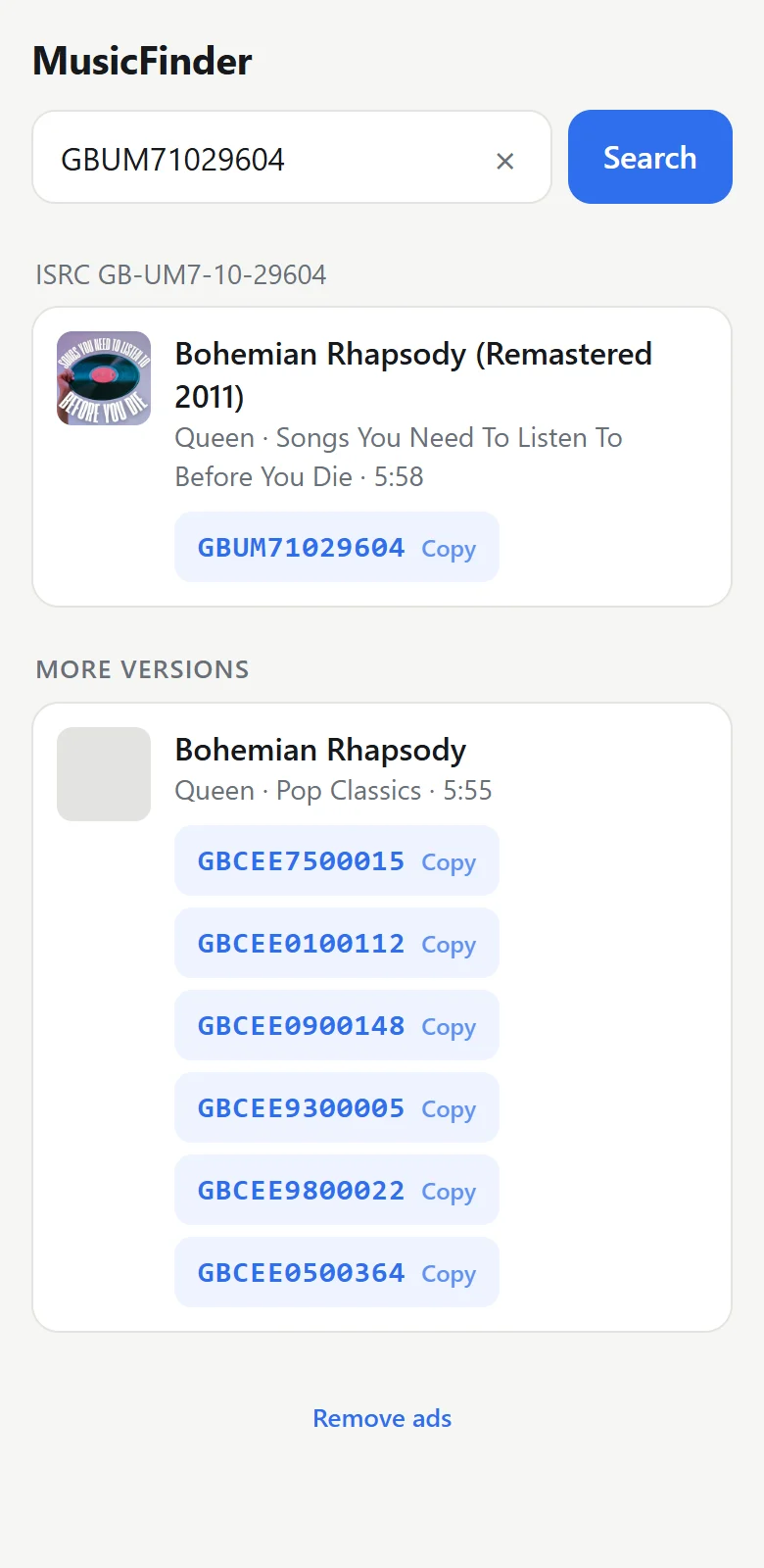
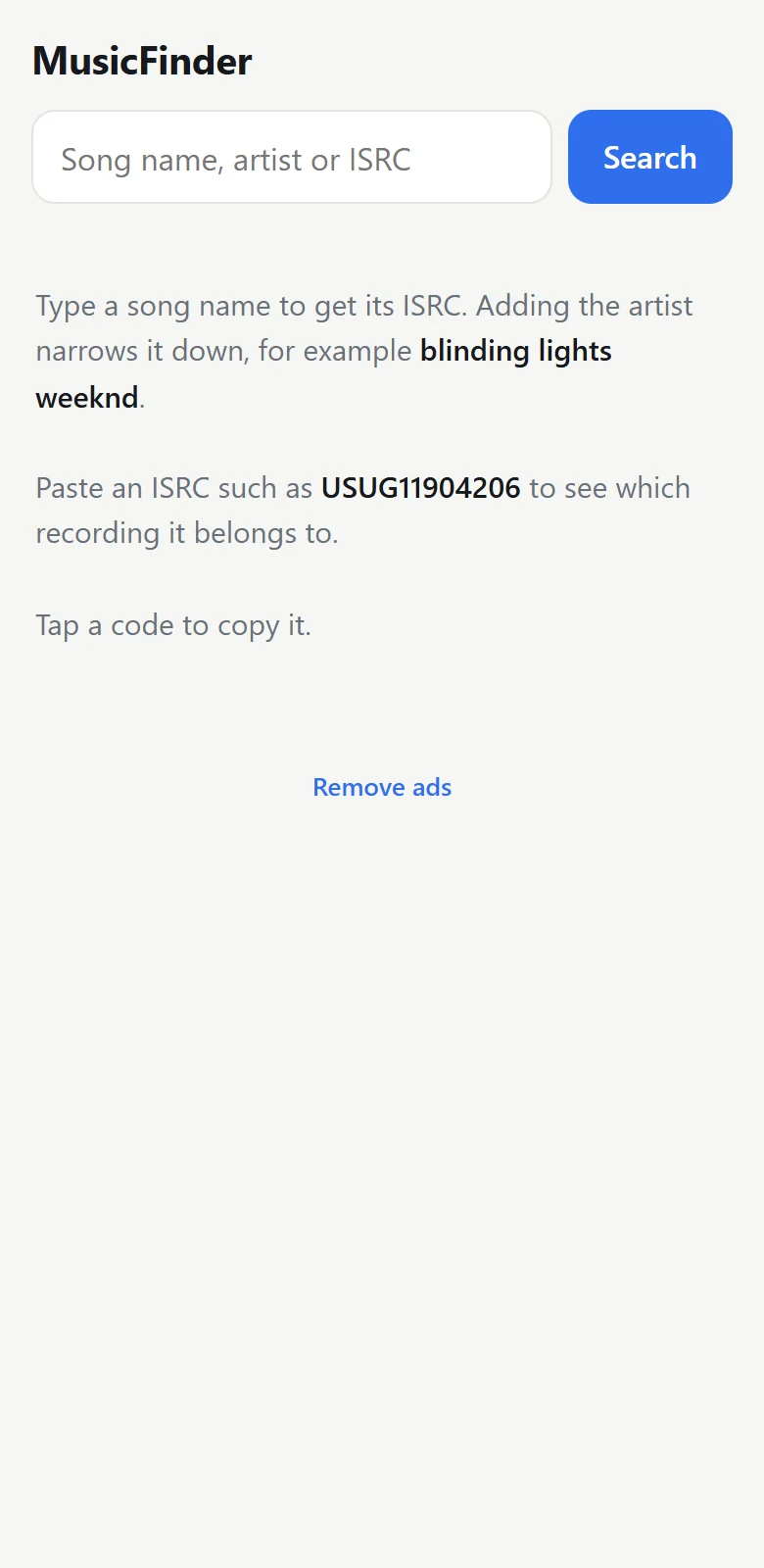
Three screens, no clutter

Who it is for
For anyone who needs the right recording
- CreatorsFind the exact track for a story or reel when a title search returns dozens of covers. See how.
- Artists and labelsCheck that your releases carry the right code everywhere.
- DJs, editors and curatorsTell a radio edit from an album cut before it matters.
Features
Small app, one job
Song name to ISRC
Type a title, add the artist if you like, and see the ISRC next to each matching recording, with the cover, album and length so you know which is which.
ISRC to song
Paste a code to check the recording behind it.
One tap to copy
Copied as
isrc:CODE, ready to paste.Free, and honest about it
MusicFinder is paid for by a few ads: a banner, and now and then a full-screen one. No video ads to sit through. One payment removes them forever.
Install
On your phone in a minute
- Tap Download for Android on your phone.
- Open the downloaded file. Android asks you to allow installs from your browser: tap Settings and switch it on.
- Tap Install, then open MusicFinder and search.
The download page has more detail and the file checksum.
Questions
Good to know
What is an ISRC?
An ISRC (International Standard Recording Code) is a 12-character code that identifies one specific recording of a song. A remix, a live version and a remaster of the same song each have their own ISRC.
Is MusicFinder free?
Yes. The app is free and shows a few ads. If you would rather not see them, one payment removes them forever.
Why is it not on Google Play?
MusicFinder is shared directly from this site as an APK file. Android asks you to allow the install the first time; the download page shows the steps.
Can I look up a song from an ISRC?
Yes. Paste an ISRC into the search box and MusicFinder shows the recording it belongs to.
Does MusicFinder play or download music?
No. It only finds the code and details of a recording. It does not play, download or unlock music anywhere.
Which phones does it work on?
Android 8.0 and newer. It needs an internet connection to search.
Guides
From the blog

How to find the exact song on Instagram with an ISRC code
Title search on Instagram often returns covers and look-alikes. Searching with the song's ISRC code points to one exact recording. Here is how.
3 min read
Why a song is not available on Instagram, and what you can do
The real reasons a song is missing or blocked in Instagram's music library, from country licensing to account type, and the fixes that stay within the rules.
3 min read
What is an ISRC code? A plain guide
An ISRC is the 12-character code that identifies one recording of a song. What the parts mean, who assigns it, and where to find one.
2 min read
Stop guessing which version it is
Get the code for the exact recording, free.