 MusicFinder
Why a song is not available on Instagram, and what you can do

You go to add a song to a story and it is not there. Or it shows up for a friend and not for you. Or a reel that had music last week is now silent. It feels random, but there are only a handful of causes.
1. The song is not licensed in your country
Music rights are territorial. A label or publisher can license a recording for use on Instagram in one country and not in another. When that happens the song is simply absent from the library where you are, and you may see a message that the music is not available in your region.
What you can do: look for another official version of the song. A different release of the same track can carry a different licence. Search by ISRC to be sure which version you are picking (here is how). We do not recommend using a VPN to appear in another country. It goes against the spirit of the licence that keeps music on the platform, and content made that way can still be muted for viewers.
2. Your account type has a smaller library
Instagram's licensed music is meant for personal, non-commercial use. Business accounts are generally limited to a royalty-free catalogue. If chart songs are missing across the board, this is the most likely reason. We explain it in why business accounts see less music.
3. The release never reached Instagram
Songs get into the library because a distributor delivers them to Meta. If an artist did not tick Instagram and Facebook when releasing, or the delivery failed, the track will not be there. New releases can also take a while to appear after release day.
What you can do: if it is your own music, ask your distributor whether the release was delivered to Meta and when. If it is someone else's, there is nothing to fix on your side.
4. It is there, but search is not finding it
Sometimes the song exists in the library and the search box just does not surface it. Titles with common words get buried under covers and look-alikes.
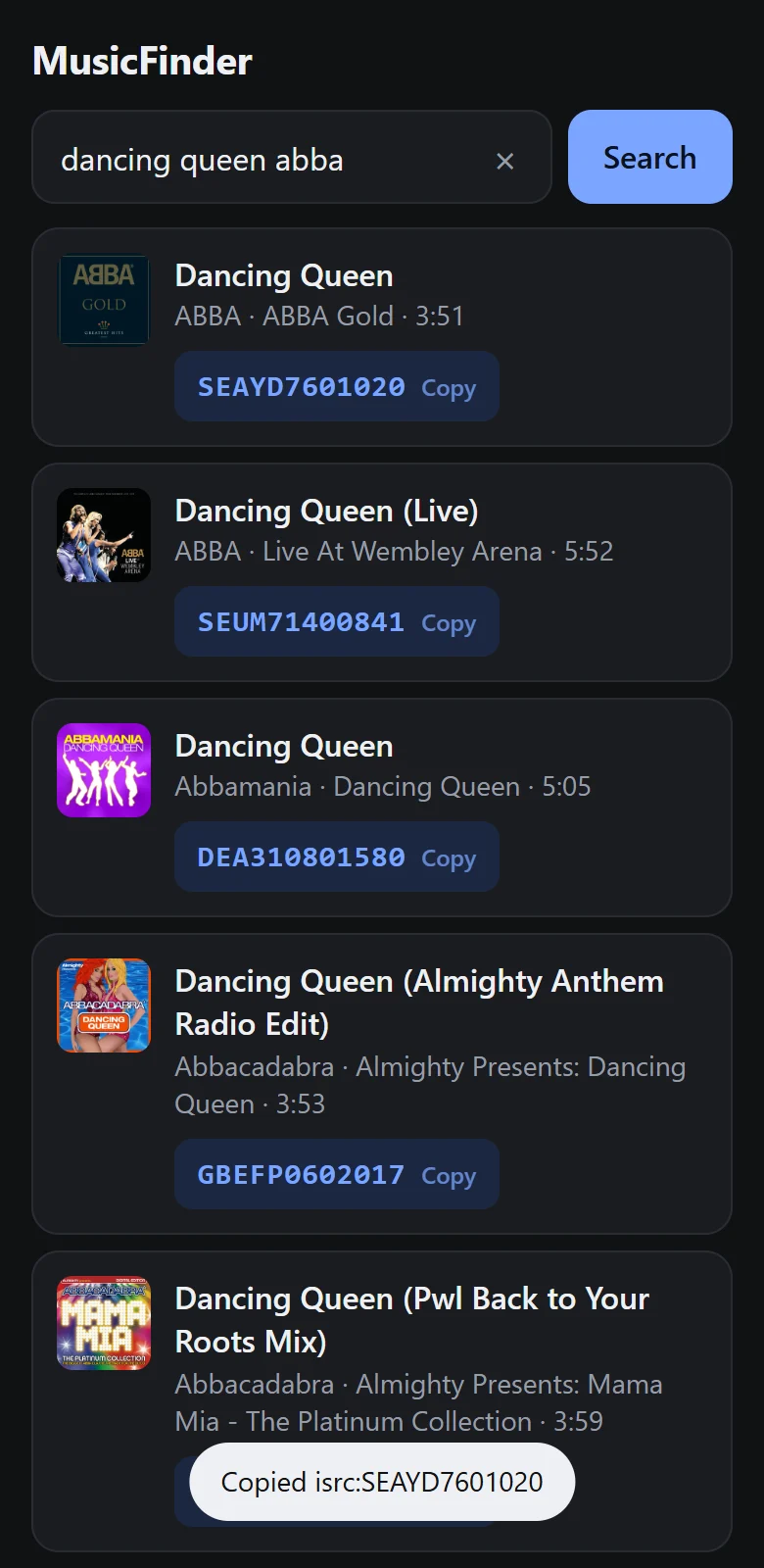
What you can do: search with the song's ISRC code, which identifies one exact recording. Get the code from MusicFinder, then paste isrc:CODE into the music search.
5. The rights changed after you posted
If a licence ends or a rights holder withdraws a track, Instagram can mute posts that used it. That is why older stories and reels sometimes lose their sound.
What you can do: edit the post and pick a different track that is currently available. Do not try to get around it by recording the song off another device or uploading the audio file yourself. That can lead to the video being muted or removed for copyright reasons.
6. A glitch or an old app version
There have been periods when many users reported popular songs missing at once, and the cause was on Instagram's side. An out-of-date app can also show a stale or broken music picker.
What you can do: update the app, sign out and back in, and try again later. If friends in the same country can see the song and you cannot, this is the likely cause.
A quick way to narrow it down
- Search by ISRC. If the recording appears, it was a search problem.
- Ask a friend in the same country with a personal account to search. If they see it and you do not, look at your account type or app.
- If nobody near you sees it, it is licensing or delivery, and only the rights holder can change that.
What an ISRC search can and cannot do
An ISRC search helps you find a recording that is in the library but hard to reach by name. It does not make an unavailable song available. MusicFinder is a discovery tool: it tells you exactly which recording is which, so you can look for the right one.
Find the ISRC in seconds
MusicFinder is a free Android app: type a song name, tap the code to copy it.
Keep reading

How to find the exact song on Instagram with an ISRC code
Title search on Instagram often returns covers and look-alikes. Searching with the song's ISRC code points to one exact recording. Here is how.
3 min read
What is an ISRC code? A plain guide
An ISRC is the 12-character code that identifies one recording of a song. What the parts mean, who assigns it, and where to find one.
2 min read
Why business accounts see less music on Instagram
Chart songs missing from your Instagram music picker? Business accounts get a smaller, royalty-free library. Why that is, and your options within the rules.
2 min read